
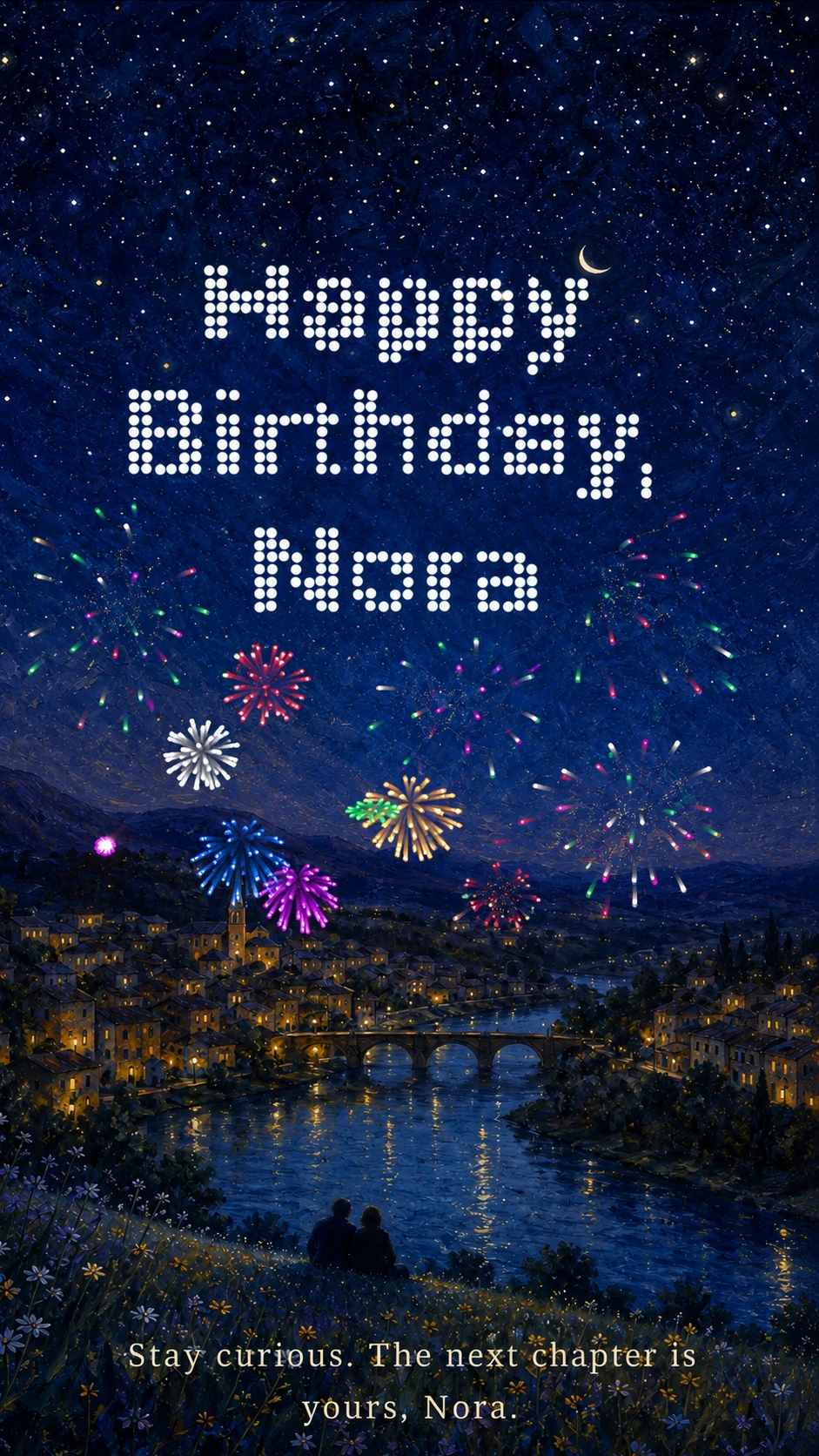
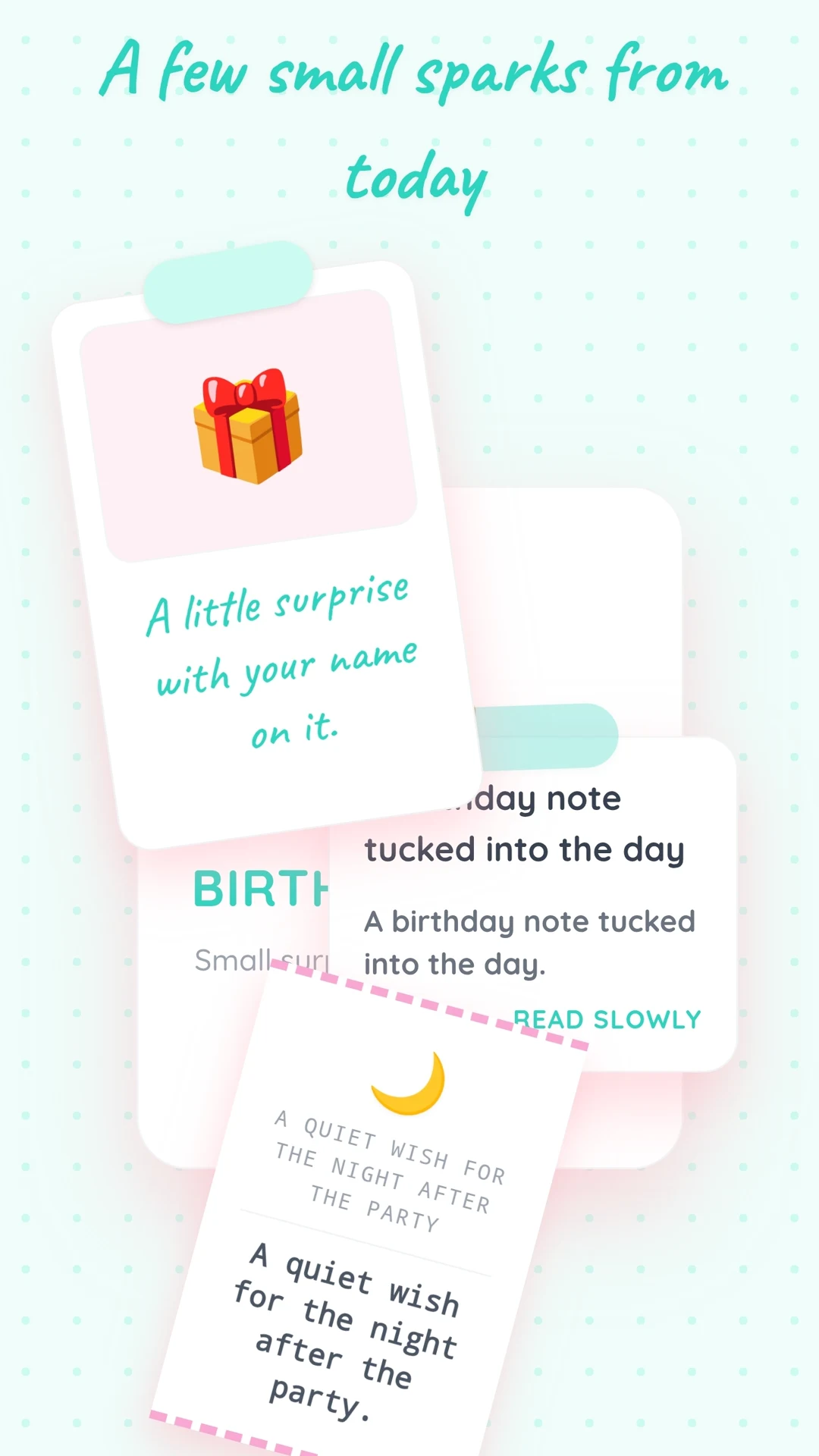
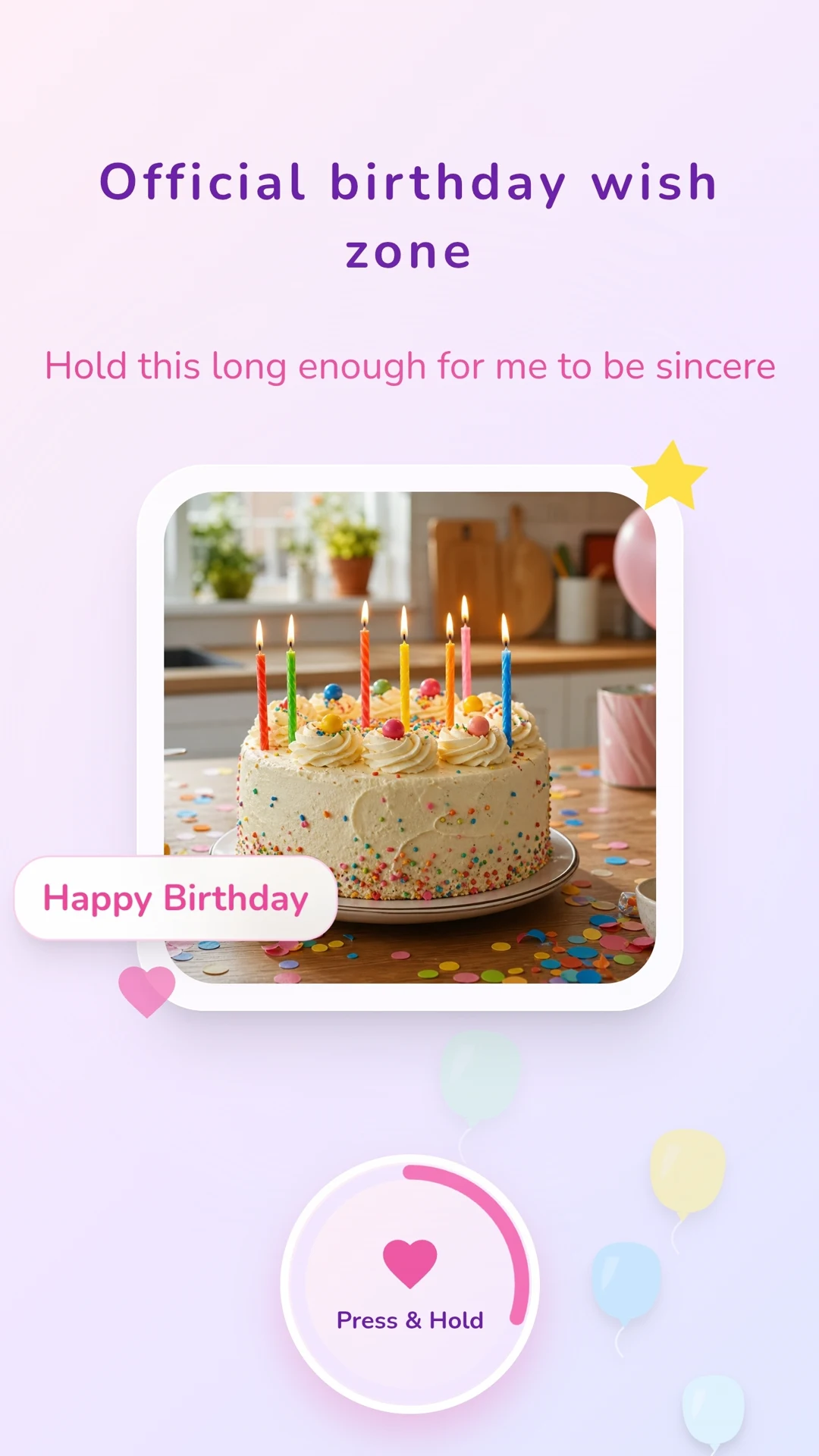
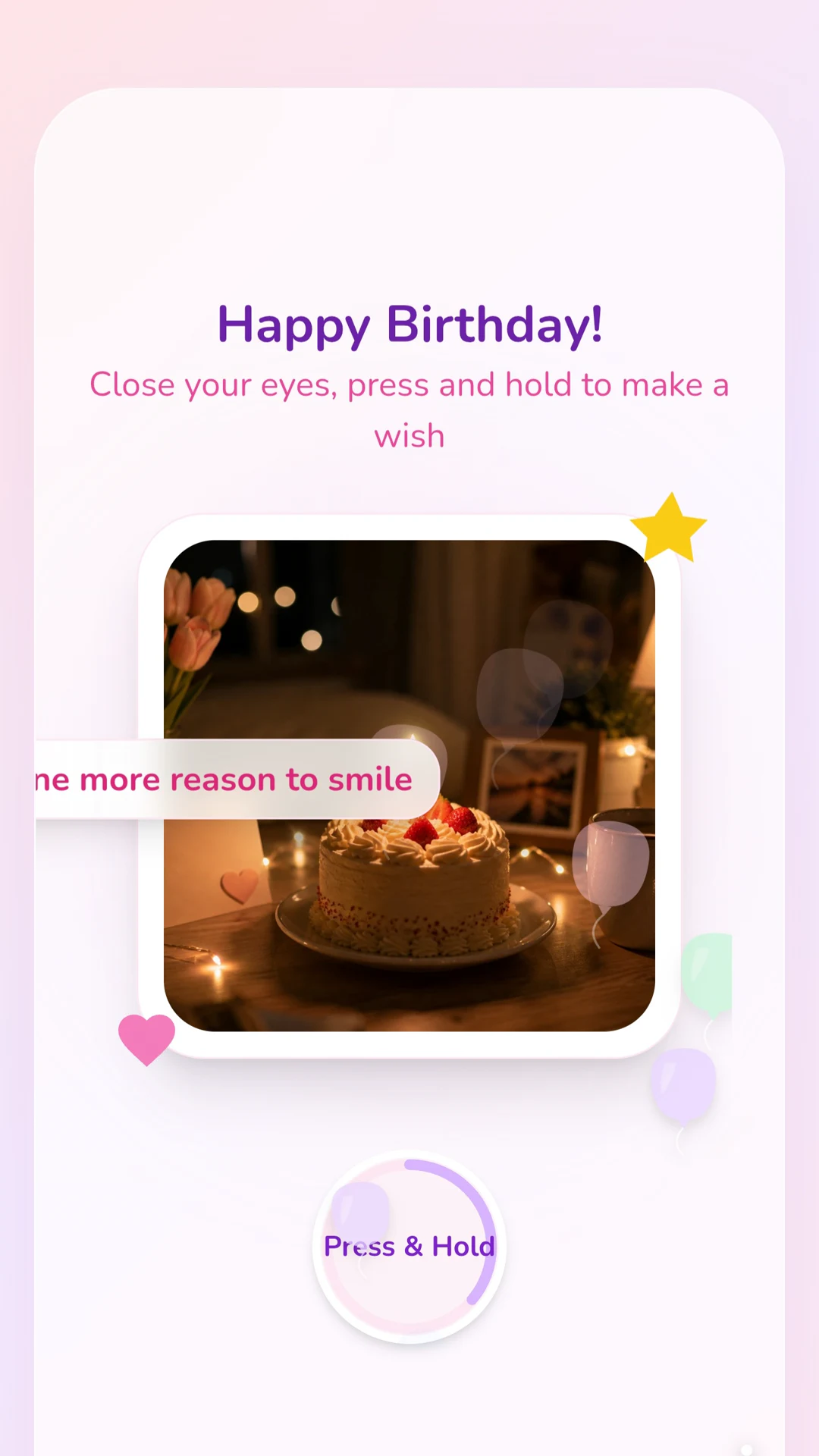
Choose a birthday template for the way the day will unfold
The first question is not “Which theme looks the most impressive?” It is “Where will they be when they open it?” A birthday website opened alone at the start of the day can begin quietly. One opened during a video call needs a clear action and a reveal you can experience together. A QR code inside a card must work on a phone in a room full of cake, conversation, and other gifts.
Judge birthday website templates against the material you actually have. One recent photo and a voice recording may carry the whole feeling. If the past year included a move, a new job, a recovery, a shared trip, or another turning point, a design with several stages can connect those moments without becoming an archive.
Let the relationship set the birthday theme. A playful design may suit the friend who enjoys being celebrated in public; a partner or family member who values private words may prefer a calmer opening. Include an age or milestone when the recipient enjoys marking it, not because every birthday page needs a number.
The right template should fit the person, the opening moment, and the memories available—not force every birthday into the same structure.
Build the page around one detail that belongs to this birthday
Start with one detail that feels specific to this person and this birthday. It might be something they achieved or changed this year, a memory only the two of you share, a quality you appreciate more now, or a milestone that deserves to be marked. That detail gives the website a reason to exist beyond repeating “happy birthday” in a larger format.
Their phone may already be full of short wishes, group-chat replies, and social notifications. A personal birthday website should not imitate that stream. Use the extra space for what would feel too compressed in a public thread: why one ordinary moment stayed with you, what you admire about who they are now, or what you hope the next year brings them.
You do not need a fixed sequence. Open in the voice they recognize, let one or two memories or details build the meaning, and give the strongest line the place where the selected template can support it. A photo should establish a moment. Music should restore a shared context. A voice note is useful when hearing you changes the message.
You can end with a birthday horizon—a wish for the year ahead, a plan before the next birthday, or a promise to support something they are working toward—but it does not need to become a formula. Because templates support different fields and media, shape the material around the chosen design instead of filling every available space.
Treat the birthday surprise link as part of the gift
The same birthday surprise link can feel thoughtful, disruptive, private, or performative depending on when and where it arrives. Midnight matters to some people; for others, the start of their waking day is kinder. A link opened alone is different from one opened on a call, at dinner, or after the room has gone quiet.
For a long-distance birthday, decide whether the recipient should discover the page privately or open it while you are on a call. Use their local time. If sound carries the reveal, give a short cue before they open it rather than letting a voice recording or song begin in the wrong setting.
When scheduled email delivery is supported, prepare and preview the gift early. If you are sending the website link through WhatsApp or another messaging app, keep it ready and send it yourself at the chosen moment. Let the website hold the main message; the chat text only needs to invite them to open it.
For an in-person birthday, a QR code can connect a small physical gesture to the web gift. Place it somewhere intentional, such as inside a card, and test the printed code on a phone. The delivery method sets the pace of the first opening.
Preview the exact birthday moment, not only the page
Start from the exact link, scheduled email, or printed QR code the recipient will receive. Open it on a phone and move through the experience without using the shortcuts you learned while building it.
Check the details that stand out on a birthday: their name, the date, any age or milestone, and whether references to “this year” still make sense on delivery day. If it will open at midnight or in a shared room, test the sound and give the recipient a cue before music, video, or voice begins.
Consider who may be nearby. A private photo or inside joke that feels right between two people may feel uncomfortable during a group celebration. If the content is sensitive, use an optional password and send it separately. Make sure the first screen creates anticipation without exposing the main message to someone looking over their shoulder.
Finally, test every media element and confirm that the most important line still works if a photo, video, or music link loads slowly. Birthday notifications disappear quickly; the website should make its first opening feel deliberate even when the rest of the day is busy.